CANVA WORKFLOW OPTIMIZATION

Convert Image to Canva Editable Layers Turn Flat JPEGs into Editable Canva Drag-and-Drop Assets

Drag-and-Drop into CanvaText & Graphic Elements IsolatedClean Background for Re-layoutHigh-Resolution PNG Assets
CANVA WORKFLOW OPTIMIZATION

One Image In. Layered Rig Assets Out.

Upload artwork to separate components into transparent PNGs & native PSD.

Upload your image

Choose a format and processing mode. The credit cost is shown before you start.

This image will use 30 Credits

Credits deducted after separation
Single payment, no subscription

Your selected credit cost is shown before processing begins.

Received a flat flyer, social ad, or infographic with no source files? Our AI separates every text element, graphic badge, product shot, and background into individual Canva-ready assets.

INTERACTIVE PREVIEW

See How AI Reconstructs Occluded Underlayers

Hover and explore how overlapping parts are isolated with complete background and joint inpainting.

01Start with one flat image.02One image. 9 independent layers.
00
01
02
03
04
05
06
07
08
Ice blue perfume with a silver cap, surrounded by an orchid, ribbon, silver ring and glass accents

Swipe to explore, or select a layer below

REAL AI LAYERS · INDIVIDUAL PNGs
Showcase

One Image. Individual Layers.

Keep the Design. Change the Details.

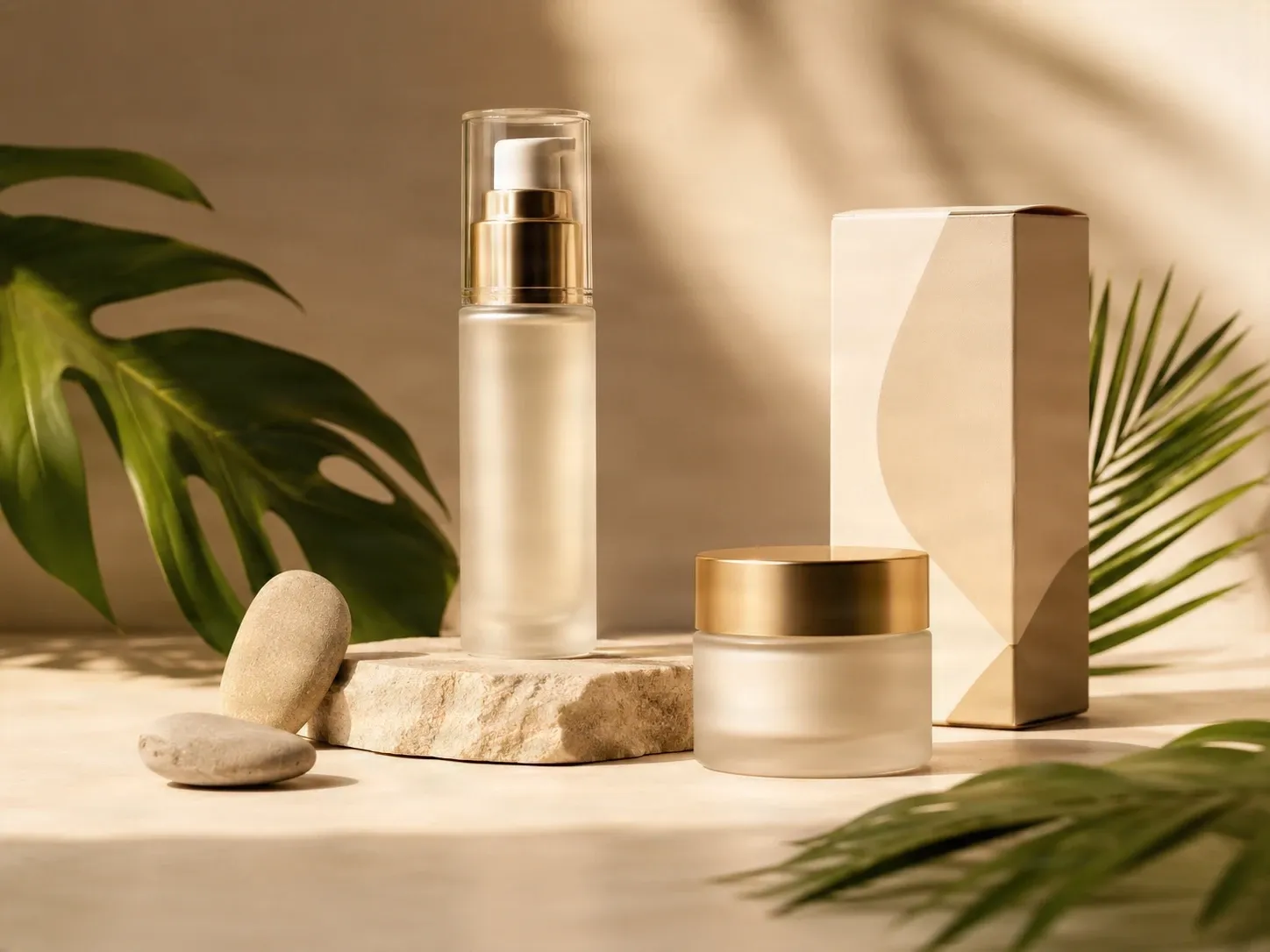
Explore real separated images below. Each sample includes its background and independent elements, ready to move, hide and reorder.

Interactive example1448 × 1086 PX

Click elements to select · Drag to move · Reorder or hide from the panel

Real AI-separated layers. Play with them — no generation needed.Upload image

WORKFLOW

From Flat Art to Separated Layers in 3 Steps

Streamline your production pipeline from hours of tedious clipping to under 10 seconds.

01

Upload Flat Graphic or Ad Banner

Upload flat JPEG or PNG posters, Instagram graphics, flyers, or banners that need edits.

02

AI Deconstructs Text & Graphic Assets

Separates typography, stickers, badges, product cutouts, and reconstructs the clean background underneath.

03

Import Assets to Canva & Re-Design

Drag and drop the transparent PNG layers into Canva, reposition elements, replace headlines, and export.

CAPABILITIES

Key Advantages of AI Layer Separation

Engineered for high-end digital artists, animators, and rigging professionals.

Text & Headline Isolation

Separates raster text from background artwork so you can easily type new localized copy in Canva.

Sticker, Logo & Badge Separation

Extracts promotional badges ('Sale', '50% Off'), logos, and icons into separate transparent PNG stickers.

Clean Background Canvas Recovery

Inpaints the background where old text and elements were, giving you a fresh template ready for new Canva designs.

SIMPLE PRICING

Pay Only For What You Deconstruct

30 credits per image, background included. No recurring subscriptions.

TRANSPARENT PRICING

One Simple Pack. Full Creative Freedom.

30 credits turn one image into separated layers, complete background included. No recurring subscriptions or hidden lock-ins.

Credits with the earliest expiry are used first. Need more credits? Simply purchase another pack anytime.

FREQUENTLY ASKED QUESTIONS

Common Questions About This Solution

Everything you need to know about formats, licensing, and workflow integration.

Can I edit the extracted layers directly in Canva?

Yes! Download the transparent PNG layers ZIP, drag them into your Canva project, and you can freely resize, move, layer, and adjust each element.

Can I replace the text in Canva after separation?

Yes! Because the old text is separated and the background behind it is cleanly inpainted, you can delete the old text layer and add new live text using Canva fonts.

Does Canva support PSD imports?

Yes, Canva allows direct PSD upload, and you can also drag and drop the transparent PNGs directly into your Canva editor canvas.

How much does it cost to convert an image for Canva?

30 credits per image with our $3.99 Starter Pack (30 credits). Single payment, no subscription required.

RELATED SOLUTIONS

Explore Other Creative AI Solutions

GET STARTED TODAY

Transform Flat Art into Editable Rig Layers

Join thousands of artists deconstructing artwork into layered PSDs in seconds.

Upload Artwork Now