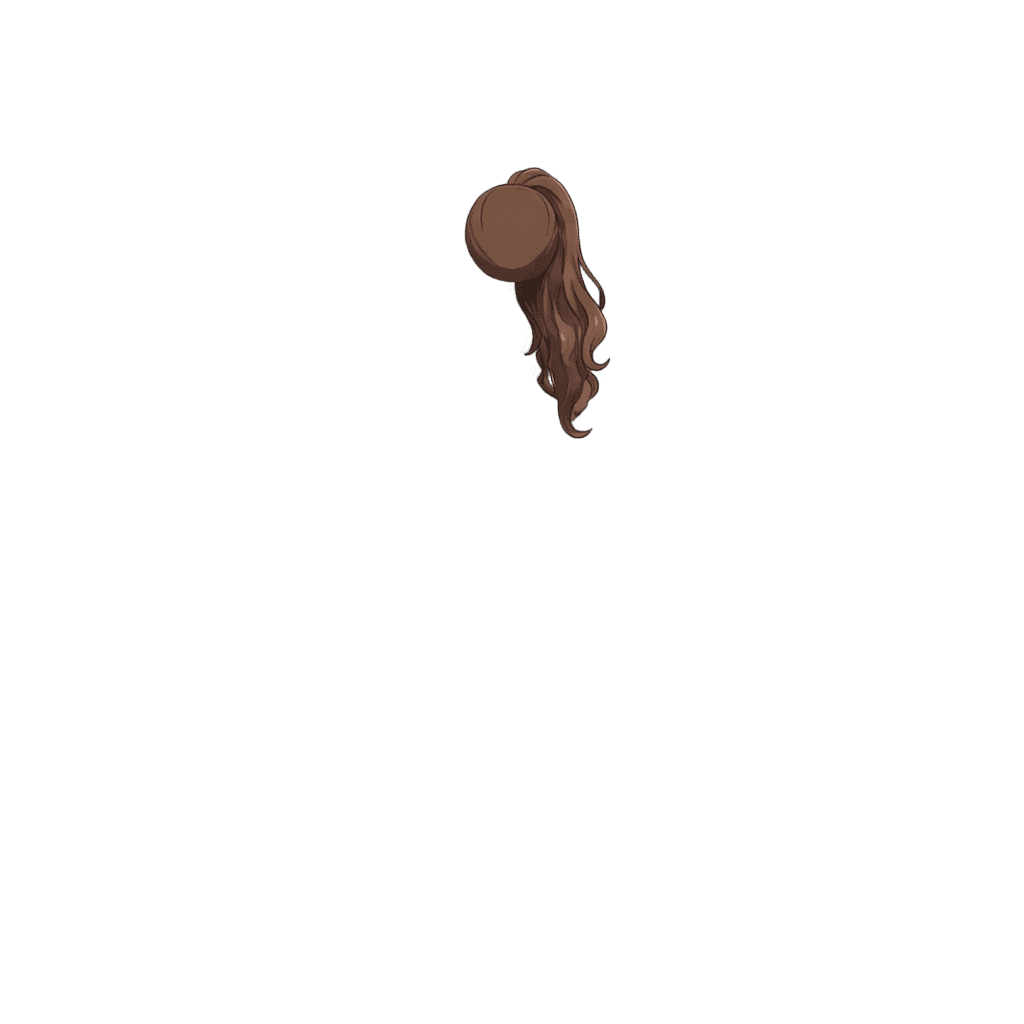
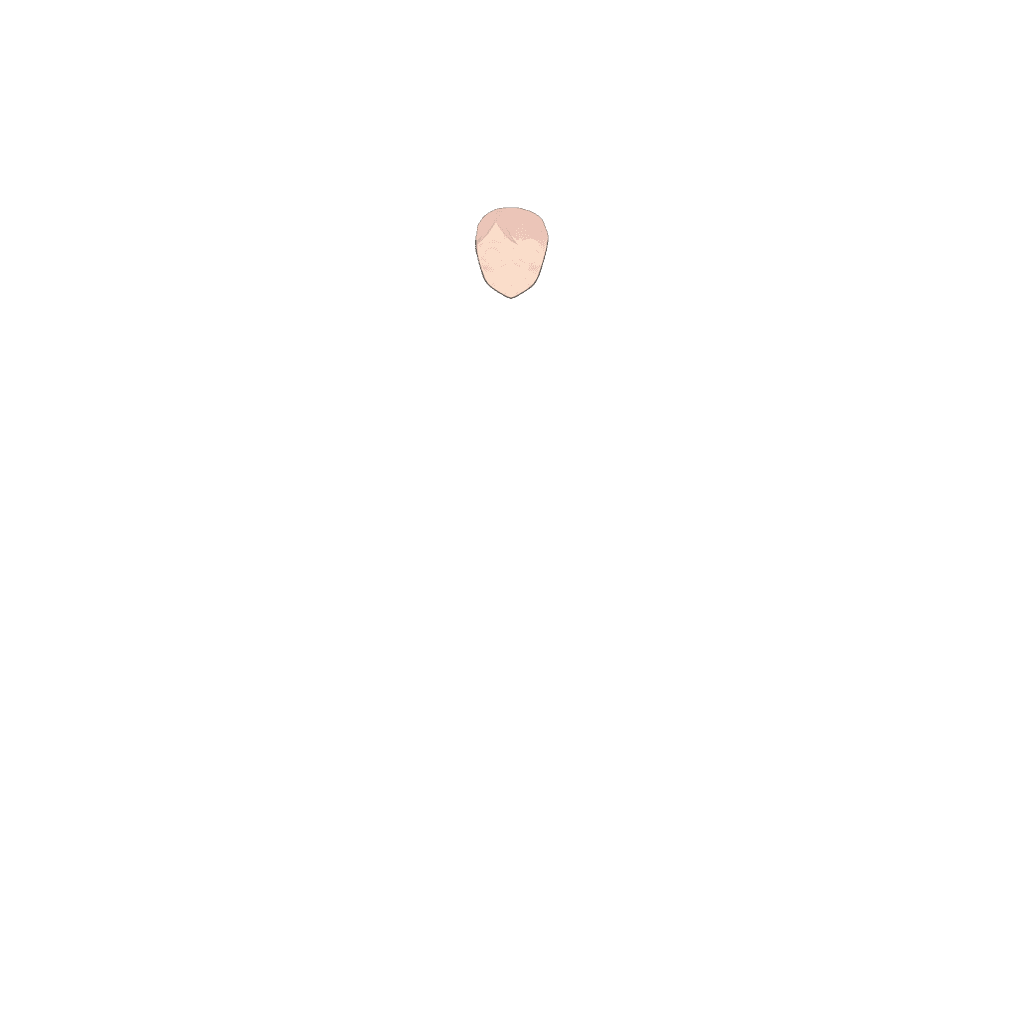

Hair and Hairstyles
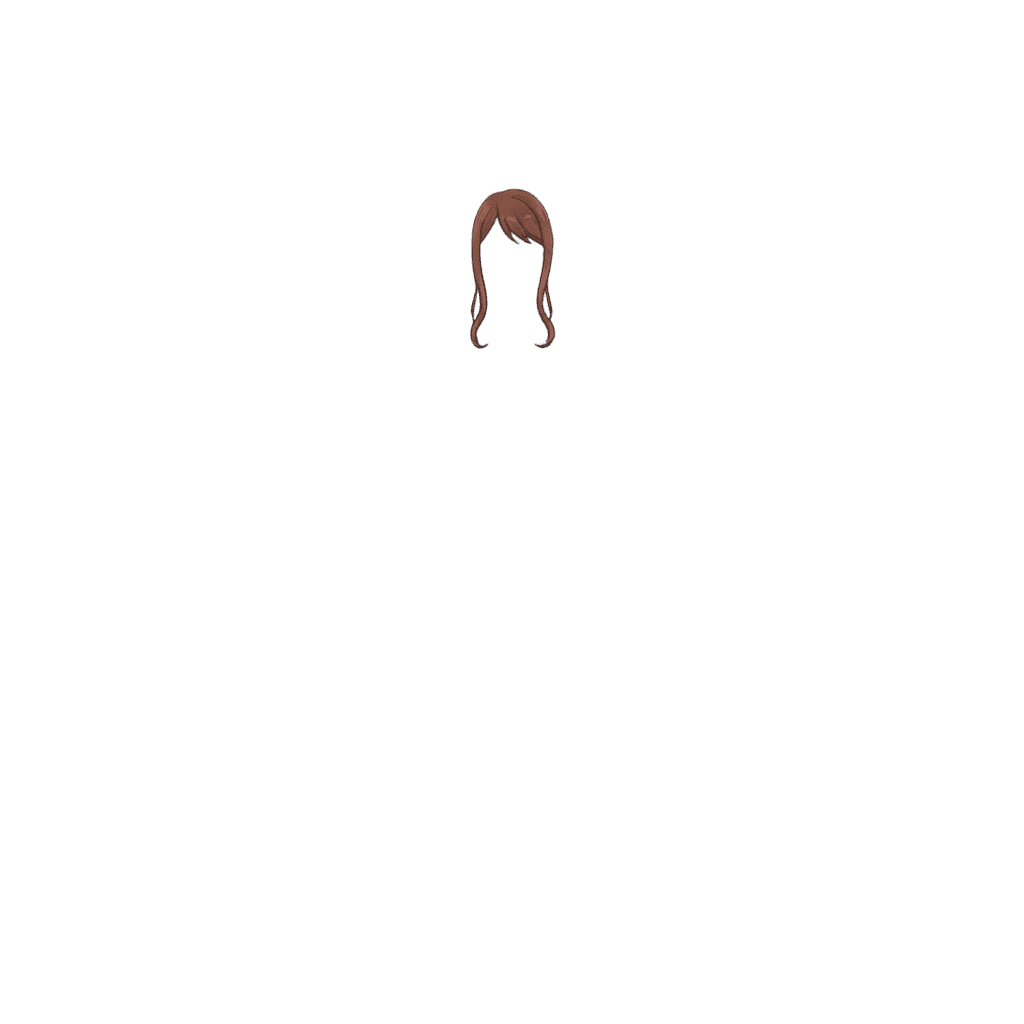
Work with recognizable hair sections, such as bangs, side locks, or back hair where the artwork allows. Make hairstyle adjustments without treating the whole character as one image.
Turn Your Character Art into Separate, Editable Layers
YOUR CHARACTER, YOUR LAYERS
Start with the character you already have. Anime art, game characters, avatars, and original designs can all be a starting point.
Drop a character image here
or click to browse · JPG, PNG or WebP, up to 15 MB
Best results: one clearly visible character with head, torso, arms and legs in view.
Love your character design but wish you could change the hair, outfit, or pose without redrawing everything?
Upload your character artwork and let AI separate recognizable parts into individual layers. Work with hair, facial details, body regions, clothing, and accessories independently, then download the layers for further editing or animation preparation.
Keep your character. Get more freedom to create.
SEE YOUR CHARACTER IN LAYERS
Explore one real character-layer result. Switch between the source artwork, the assembled layers, and a separated view, or select a part to inspect it.
Use the tabs to compare the original character with its separated raster layers.
This is an example result from one character image. Layer names and separation vary with the source artwork.
WHAT CAN BE SEPARATED?
Different characters need different layers. AI analyzes the visible artwork and separates the parts it can recognize.
Work with recognizable hair sections, such as bangs, side locks, or back hair where the artwork allows. Make hairstyle adjustments without treating the whole character as one image.
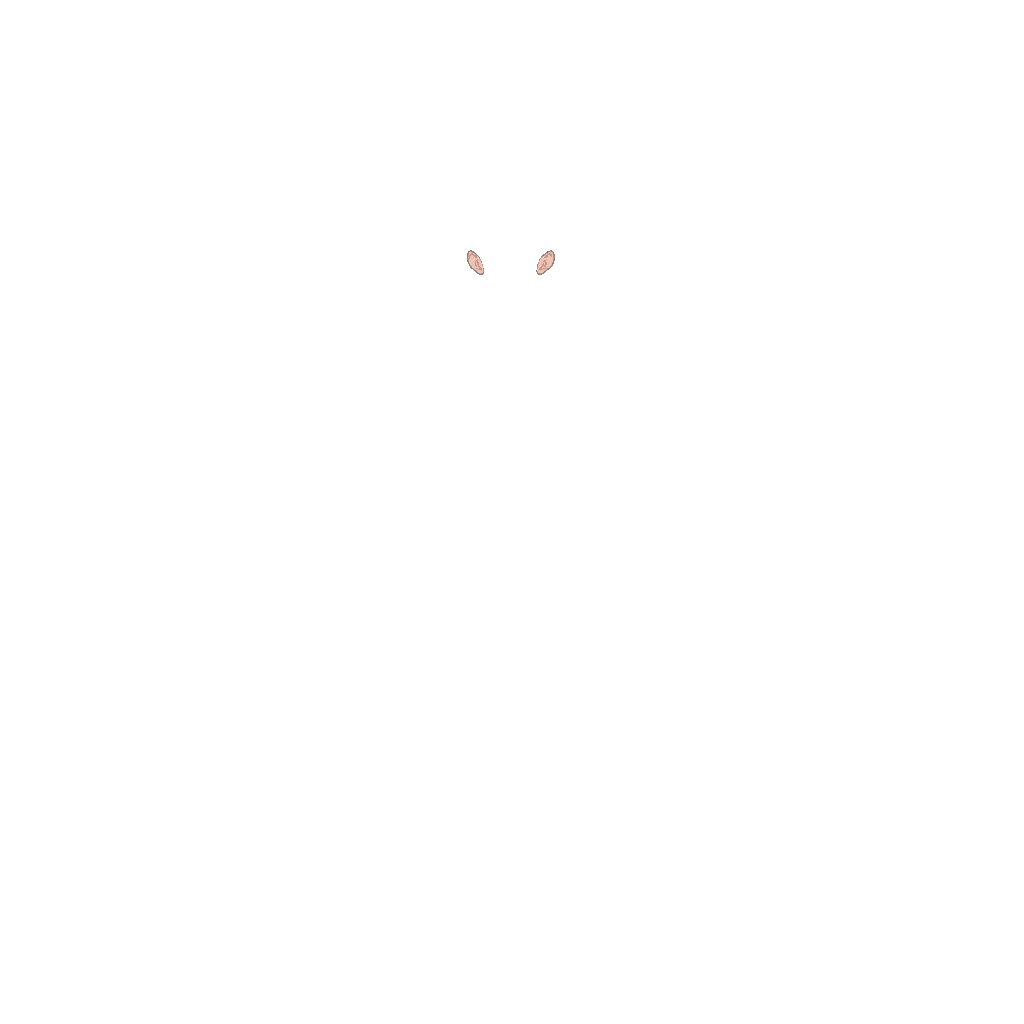
Separate identifiable facial areas and details as a starting point for expression editing or further character preparation. Fine facial features may need additional cleanup.
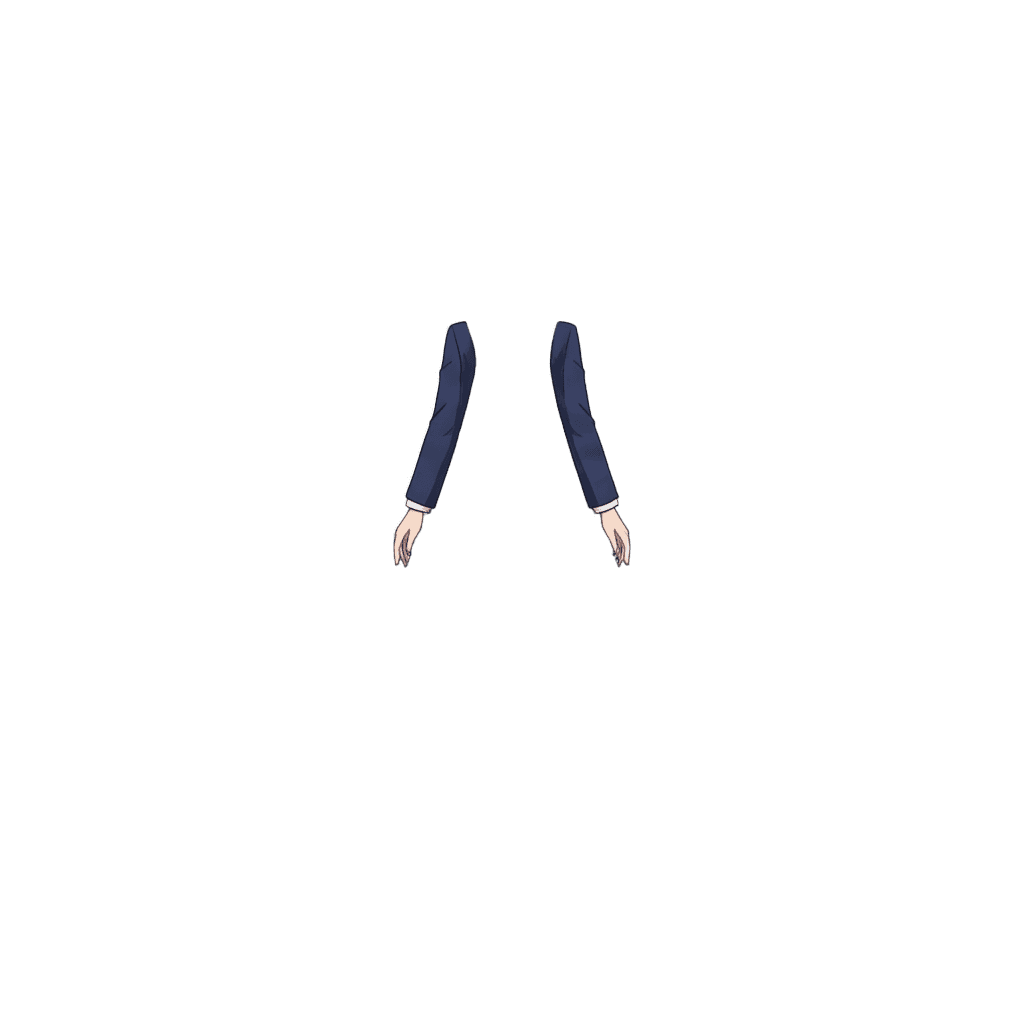
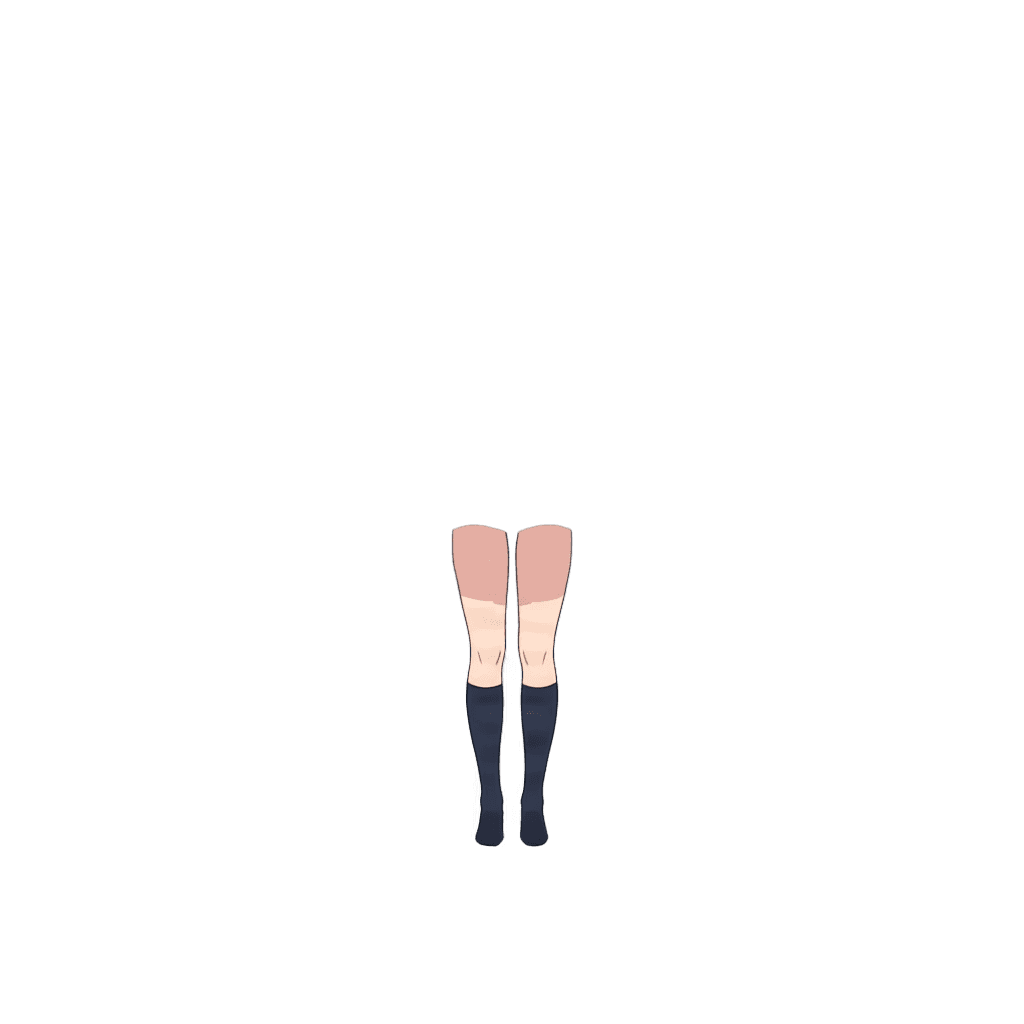
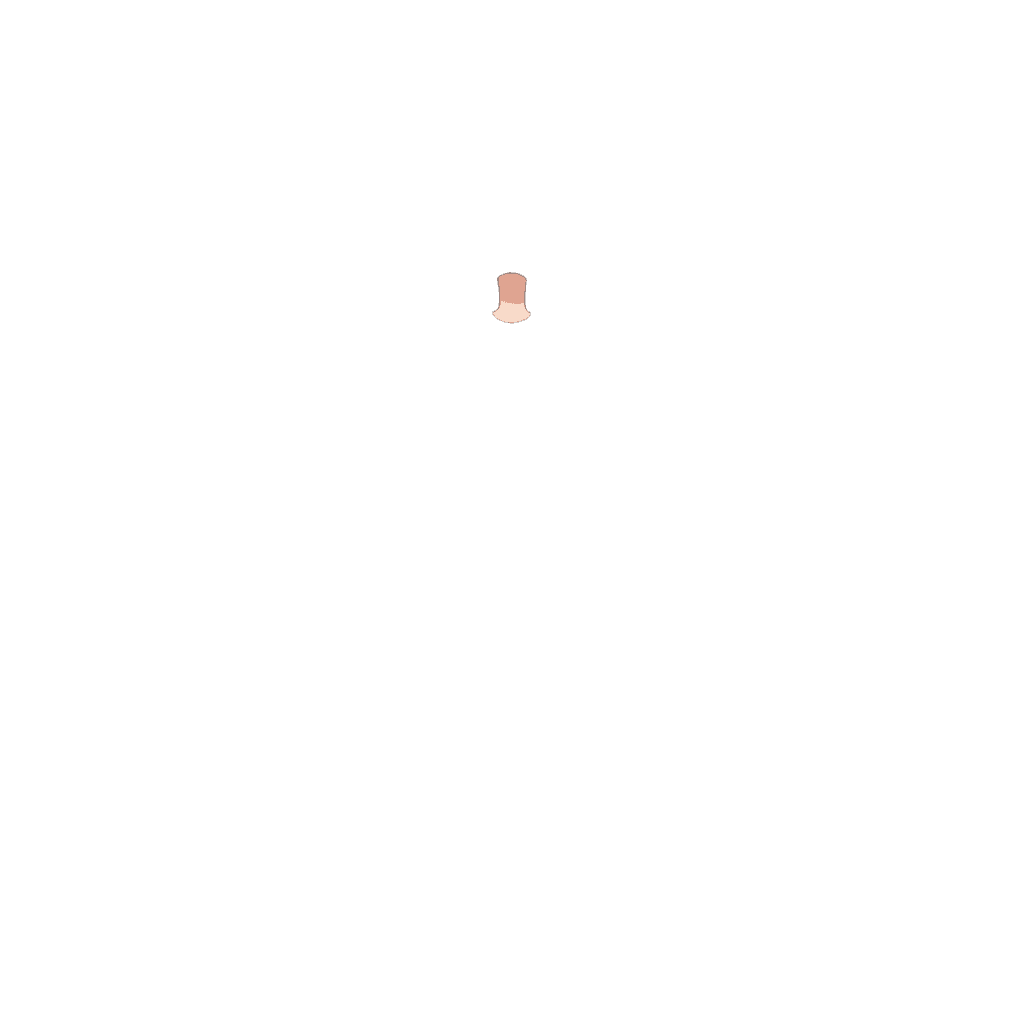
Create layers for recognizable body regions, arms, and legs when they can be distinguished from the artwork. These assets can support further character editing and animation preparation.
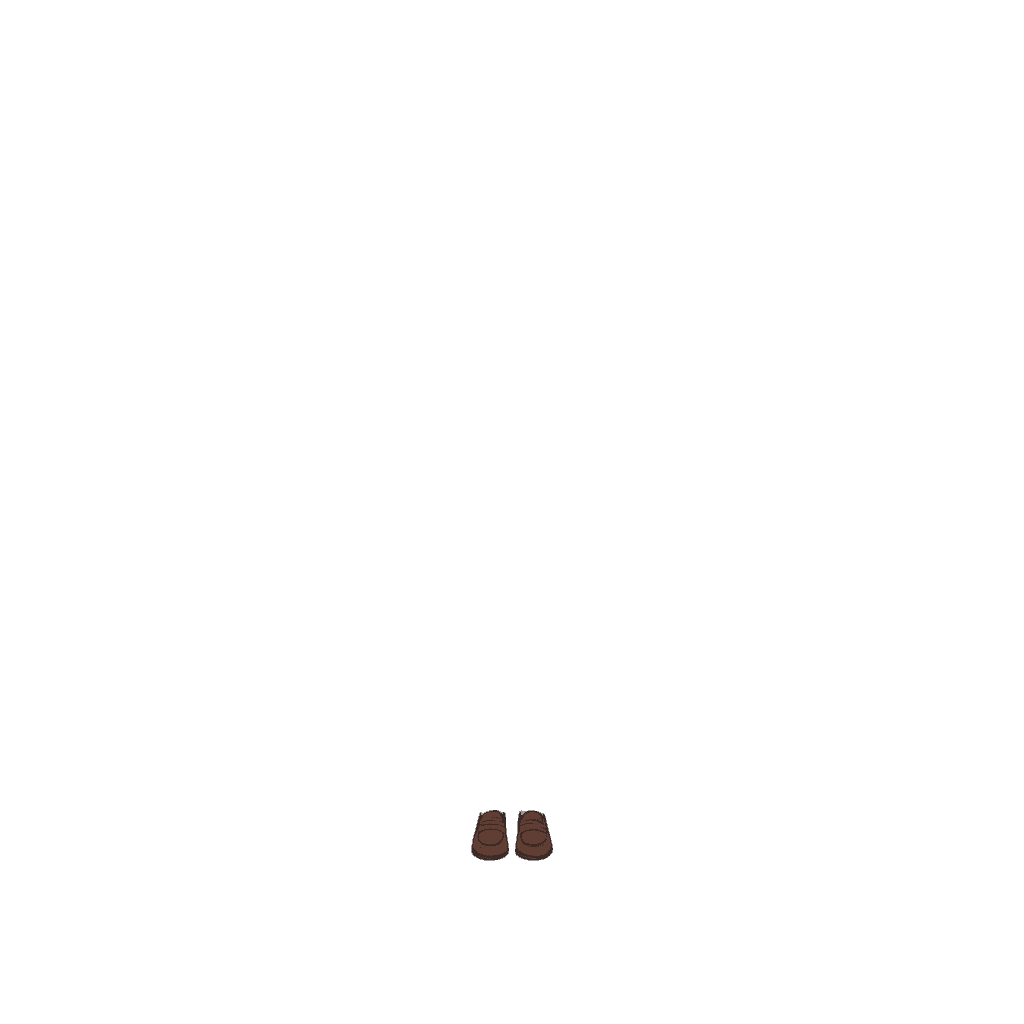
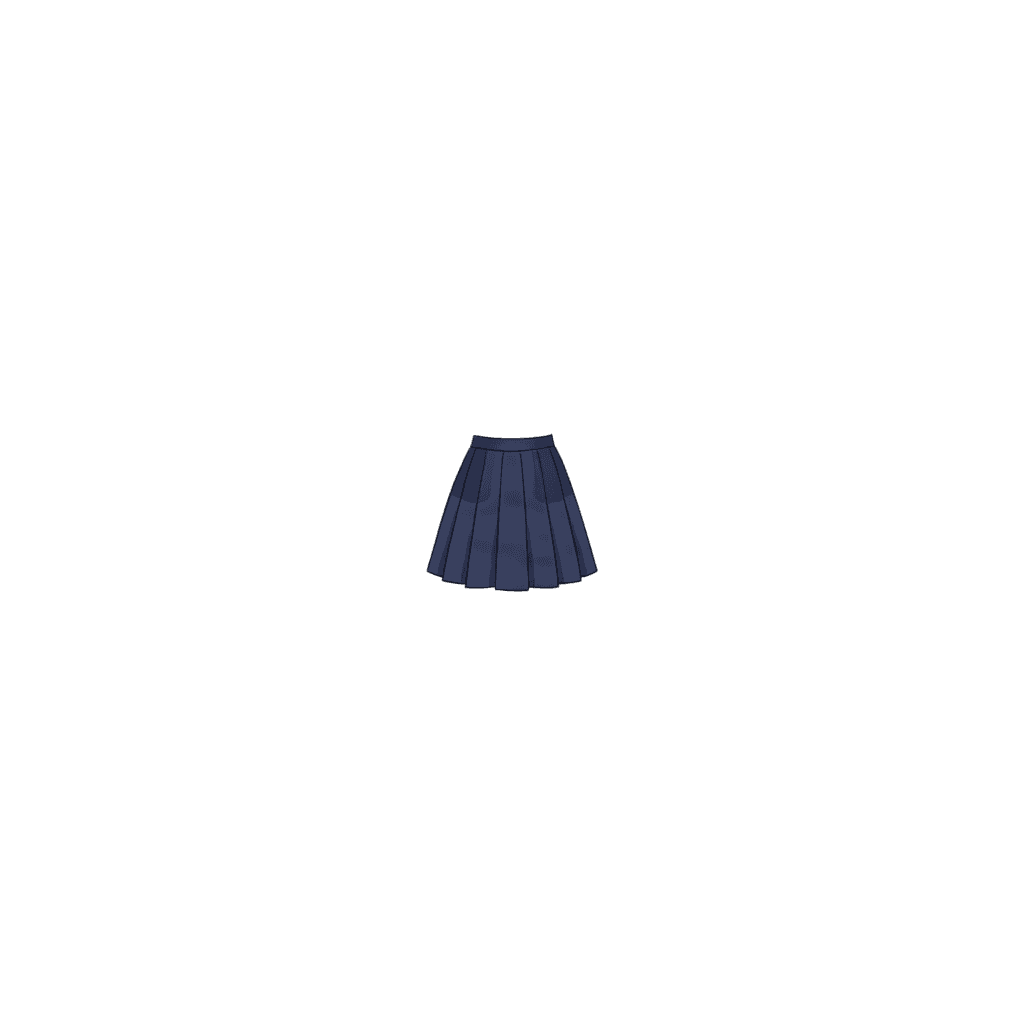
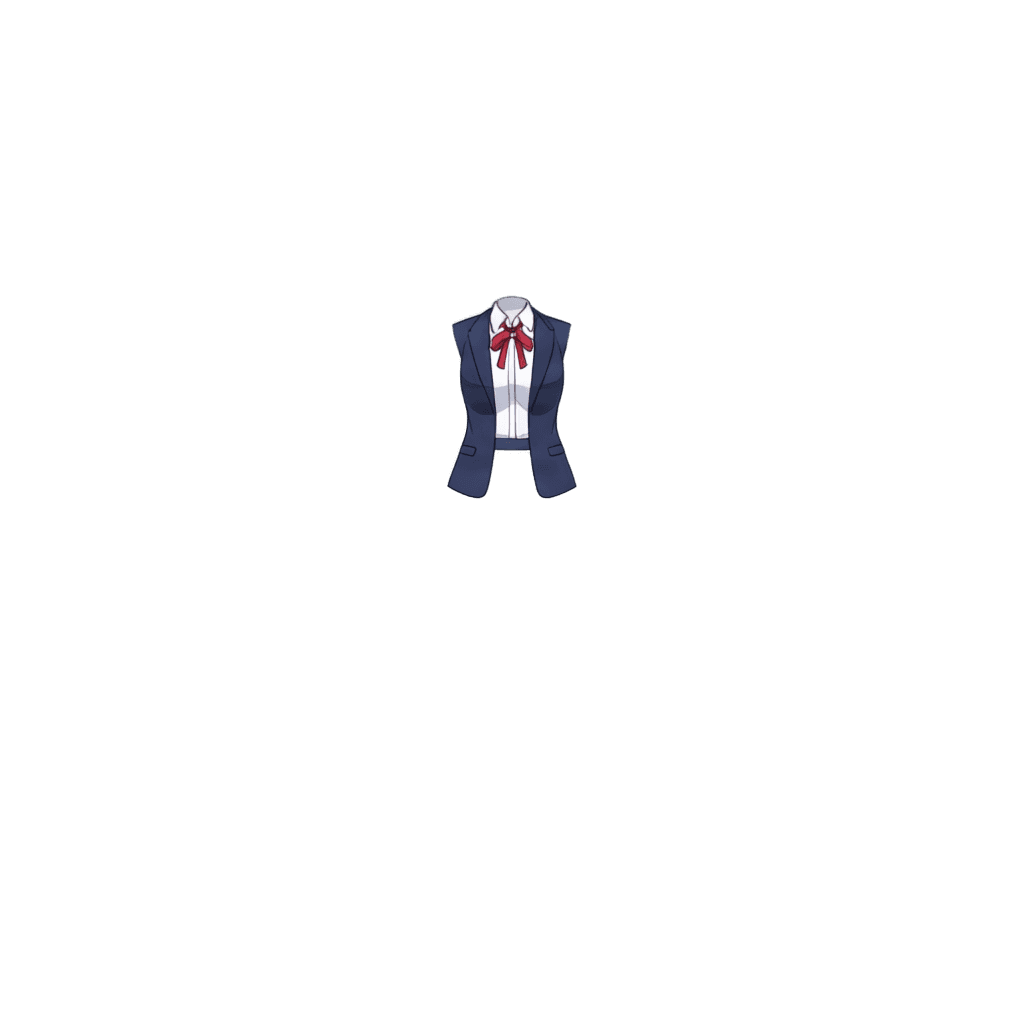
Separate visible clothing pieces such as jackets, skirts, capes, and footwear where possible, giving you a better starting point for outfit adjustments.
Work with recognizable hats, bags, weapons, ornaments, and props to adjust their positions or reuse them in other compositions.
Not every character produces the same layers. Results depend on the pose, visible details, overlapping parts, and image quality.
THE PROBLEM WITH FLAT CHARACTER ART
You finally have a character design you love.
Then you realize the hairstyle needs adjusting. The jacket should be a different shape. Maybe you want to prepare the character for animation, but the artwork is just one flat PNG.
Suddenly, changing one small detail means working around the entire drawing. You shouldn't have to rebuild your character every time you want to try something new.
Character to Layers gives you a more flexible starting point. Separate recognizable visual parts so you can work with them individually.
Your character design doesn't have to end when the illustration is finished.
MORE FREEDOM FOR YOUR CHARACTER ART
Get a head start on separating hair, clothing, body regions, and accessories without tracing each part entirely by hand.
Start with an existing character image, even when you don't have the original layered drawing file.
When hair, sleeves, or accessories cover another part, AI may generate plausible hidden content to make layers easier to work with. Review the results before using them.
Explore different positions and layer orders instead of moving the entire character as one flattened image.
Use separated visual parts as a starting point for animation and rigging workflows. Refine the artwork before setting up pivots, bones, meshes, or deformation controls.
Download supported PNG or PSD assets and continue working in your preferred image-editing or animation software.
FROM CHARACTER ART TO SEPARATE LAYERS
You don't need to rebuild your original character illustration to start working with individual parts.
Choose your character image. A clear illustration with recognizable body parts, clothing, and accessories is a good place to start. You can use your finished artwork without the original layered source file.
AI analyzes the visible character structure and creates layers for the regions it can identify, such as hair, face, body, clothing, and accessories. Some hidden or overlapping areas may be reconstructed to make separated layers more usable.
Examine the separated parts and check important details like hair edges, hands, clothing boundaries, and overlapping regions. Use the available workspace to inspect and organize your results.
Export the supported layered files and bring them into your preferred editing or animation software. Make further adjustments or prepare the parts for your next creative project.
WHAT CAN YOU DO WITH CHARACTER LAYERS?
01
Keep Developing a Character You Already Love
Your character's hair, outfit, and appearance may change as your ideas develop. Separating the artwork gives you a better starting point for editing individual parts without repainting the entire illustration. Great for original characters, anime-style art, and redesigns.
02
Take the First Step Toward a Moving Character
Separate identifiable facial areas, hair, clothing, and body regions before preparing the artwork in Live2D Cubism. The layers are a starting point; you'll still need to refine the artwork and create the model rig.
03
Prepare Character Parts for Your Next Game
Turn an existing character illustration into separate visual assets for further game development. Identifiable arms, legs, clothing, hair, or accessories can start an animation workflow. Additional editing and rigging may be needed before gameplay.
04
Experiment with Different Looks
Want to adjust a jacket, move an accessory, or try a different outfit arrangement? Separated clothing and accessories give you more control to work on individual visual regions.
05
Make Your Characters More Flexible for Storytelling
Prepare character artwork for scenes that need different expressions, props, or visual arrangements. Separated parts can help organize artwork before you create additional expressions and character variations.
06
Keep Editing When the Original File Is Gone
Only have a flattened PNG or JPG? AI can create a new set of editable visual layers from the finished illustration. It cannot recover the exact original layers, but it can provide a useful new starting point.
GET A BETTER STARTING POINT
You don't need a perfect illustration, but some character images are easier to separate than others.
A clear front-facing or three-quarter character illustration is often a good starting point. Full-body artwork helps when you need body and limb layers, while portraits may suit facial and hair work better.
AI creates layers based on the parts it can identify. Not every illustration will produce the same layer structure.
FROM STATIC ART TO ANIMATION PREP
Creating a character illustration is one step. Making that character move is another. Separate visual parts can help you begin preparing artwork for animation.
Create independent raster layers for recognizable character regions, reducing some of the initial manual separation work.
Check overlapping regions, edges, hidden areas, and any parts that need additional separation or painting before animation.
Import the prepared assets into your chosen workflow, then create pivots, meshes, bones, deformers, expressions, or animation controls as needed.
Character to Layers creates separated visual artwork. It does not automatically produce a finished Live2D model, Spine rig, skeleton, or animation.
YOUR CHARACTER, YOUR WORKFLOW
Once your character has been separated, continue working in the software that fits your project.
Use individual character parts as raster assets for further editing, compositing, or animation preparation.
Keep generated character layers together in a downloadable package where the workflow supports it.
Continue refining character artwork in Photoshop using the available PSD export option.
Use exported layers in compatible art applications to refine edges, repaint hidden regions, or prepare assets for your next creative step.
Keep your original character design, and give yourself more freedom to work with its individual parts.
PAY AS YOU GO
You might prepare one character today and return to another project next month. Purchase Credits when you need them, review the processing cost before starting, and choose when to work on your next character.
One-time Credit purchases. No mandatory monthly subscription.
FREQUENTLY ASKED QUESTIONS
Learn how character separation works, what layers you can expect, and how to continue editing or preparing artwork for animation.
Character to Layers AI separates flat character artwork into individual raster layers. It can identify recognizable parts such as hair, facial details, body regions, clothing, and accessories, giving you more flexibility to edit and prepare your character for future creative work.
Upload your character artwork using the tool, choose the available processing settings, and start separation. AI analyzes the image and generates layers for the parts it can identify. After processing, review the result and download supported layer files for further editing.
Yes. You can start with a flattened PNG character illustration. AI analyzes the visible artwork and creates a new set of layers for recognizable character regions. You do not need the original layered drawing file.
Anime-style illustrations can be suitable, especially when hair, facial details, clothing, and body parts are clearly distinguishable. Results depend on the pose, artwork resolution, and overlapping elements.
Depending on the artwork, AI may identify hair sections, facial regions, body parts, clothing, accessories, and props. The exact parts vary between characters, and small or overlapping details may remain grouped together.
It may separate recognizable facial features when they are sufficiently clear in the source illustration. Very small eyes, detailed eyelashes, partially covered mouths, and other fine features may need manual cleanup or additional preparation.
AI may identify different hair regions and generate separate layers where the visual structure is clear. Complicated hairstyles, overlapping strands, and hidden sections can make precise separation challenging.
Yes, when the limbs are visible and identifiable. Simple poses with clearly defined arms and legs usually provide a better starting point than heavily overlapping or cropped poses. Some body regions may need further separation before animation.
AI can attempt to separate recognizable clothing such as jackets, skirts, coats, footwear, or accessories. Complex overlaps and hidden body areas may need cleanup. Review the result before making major outfit changes.
AI may generate plausible content for regions hidden by hair, clothing, limbs, or accessories. These details are estimates based on visible artwork, not exact recoveries of the original hidden drawing.
Yes, as an artwork preparation step. Separate visual layers can help you begin organizing a character for Live2D Cubism. You will still need to review the layers, refine the artwork, and create the model's meshes, deformers, parameters, and other rigging elements.
No. Character to Layers creates separate visual assets. It does not automatically build a skeleton, bind bones, create meshes, or generate finished animation controls. Complete those steps in dedicated animation or rigging software.
Yes. Exported character parts can serve as starting assets for a Spine workflow. You may need to refine individual pieces, prepare overlaps and pivots, and set up the skeletal rig manually before creating animations.
Yes. You can use a supported, flattened AI-generated character image as input. Clear silhouettes, visible character regions, and defined clothing details generally make it easier for AI to identify separate parts.
No. You can start with a flattened character image. The tool generates a new layered interpretation of the visible artwork, but it cannot recover the exact original drawing layers, brush strokes, or hidden source content.
There is no fixed number for every character. The result depends on the design, processing settings, visible details, and how AI groups regions. A specific number or list of parts is not guaranteed.
The character workflow supports exporting separated raster assets through its available download options, including transparent PNG files and supported layered PSD output. Check the selected processing mode for the exact formats.
A clear illustration showing one character with defined edges and recognizable parts is a good starting point. Front-facing or three-quarter views, simple poses, and visible body regions can make separation easier. Complex overlaps and low-resolution images are more challenging.
You can rearrange supported visual parts, but this does not automatically generate anatomically correct new poses. Creating a substantially different pose may require additional drawing, image generation, or animation work.
No. Image to Layers offers pay-as-you-go Credits. Purchase Credits when needed, review the processing cost before starting, and use the character separation workflow without committing to an automatic monthly subscription.
EXPLORE MORE IMAGE WORKFLOWS
Character separation is one way to work with your artwork. Explore other workflows when you have a more specific creative goal.
Separate visible elements from a flattened image into individual assets.
Explore the general image layer separation workflow.
Prepare supported image artwork for layered PSD editing.
Browse examples of image layer workflows.
Choose the workflow that matches what you want to do with your character next.
READY TO WORK WITH YOUR CHARACTER?
You've already created the character. Give yourself more ways to work with it. Separate recognizable hair, clothing, body parts, and accessories into individual layers, then keep editing, redesigning, or preparing your artwork for its next creative step.
Editable character parts · PNG and PSD exports · No mandatory subscription