One Concept Image. Front, Side, and Back 3D Modeling Reference.
Generate Orthographic Alignment Views for Blender, ZBrush, Maya, and CAD Workflows
Front / side / back modeling reference
Upload a concept drawing, render or sketch.
Click to upload or drag product photo
PNG, JPEG, WebP · Max 20MB
Target Camera Angles
Notice: Back view is inferred by AI from single-photo input. Review barcode, nutrition facts, or rear markings before publishing.
3D artists lose hours guessing what the side or back of a 2D concept looks like before starting hard-surface or organic modeling.
AI 3D Modeling Reference Views generates consistent multi-view orthographic reference sheets from a single concept art or photo. Align front (0°), side profile (90°), and back view (180°) image planes inside Blender, Maya, or ZBrush with synchronized proportions.
Accelerate your 3D asset pipeline from days to minutes. Pay as you go.
Inspect Real Multi-Angle Generations
Drag the interactive fidelity slider to compare the AI multi-angle outputs against the original reference shot. Notice how logos, gemstone facets, and materials remain locked across 45°, back, and on-model views.
Authentische Multi-Angle-Sets entdecken
Drag the slider to compare the original 2D raw photo with the 4K AI-generated catalog angles.
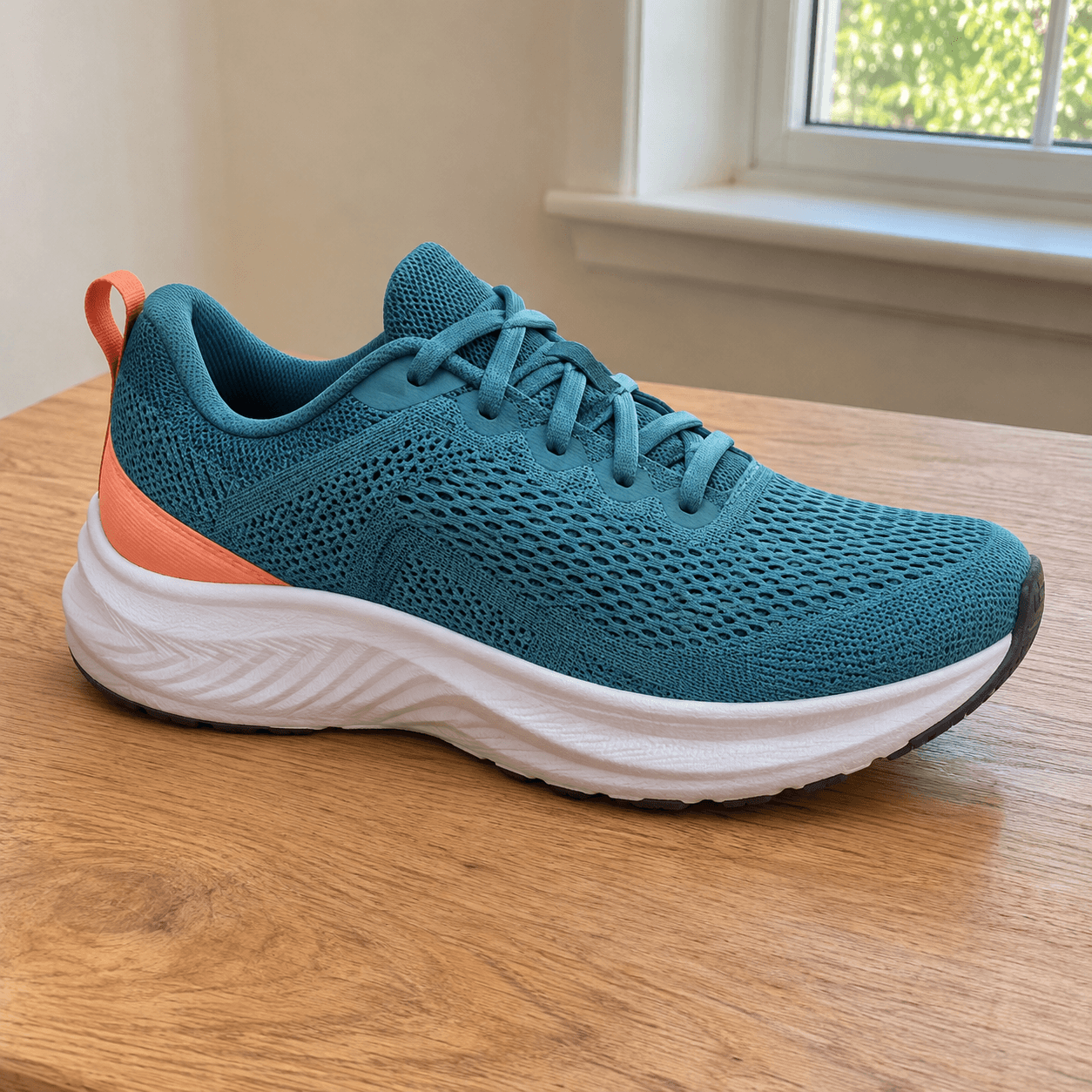
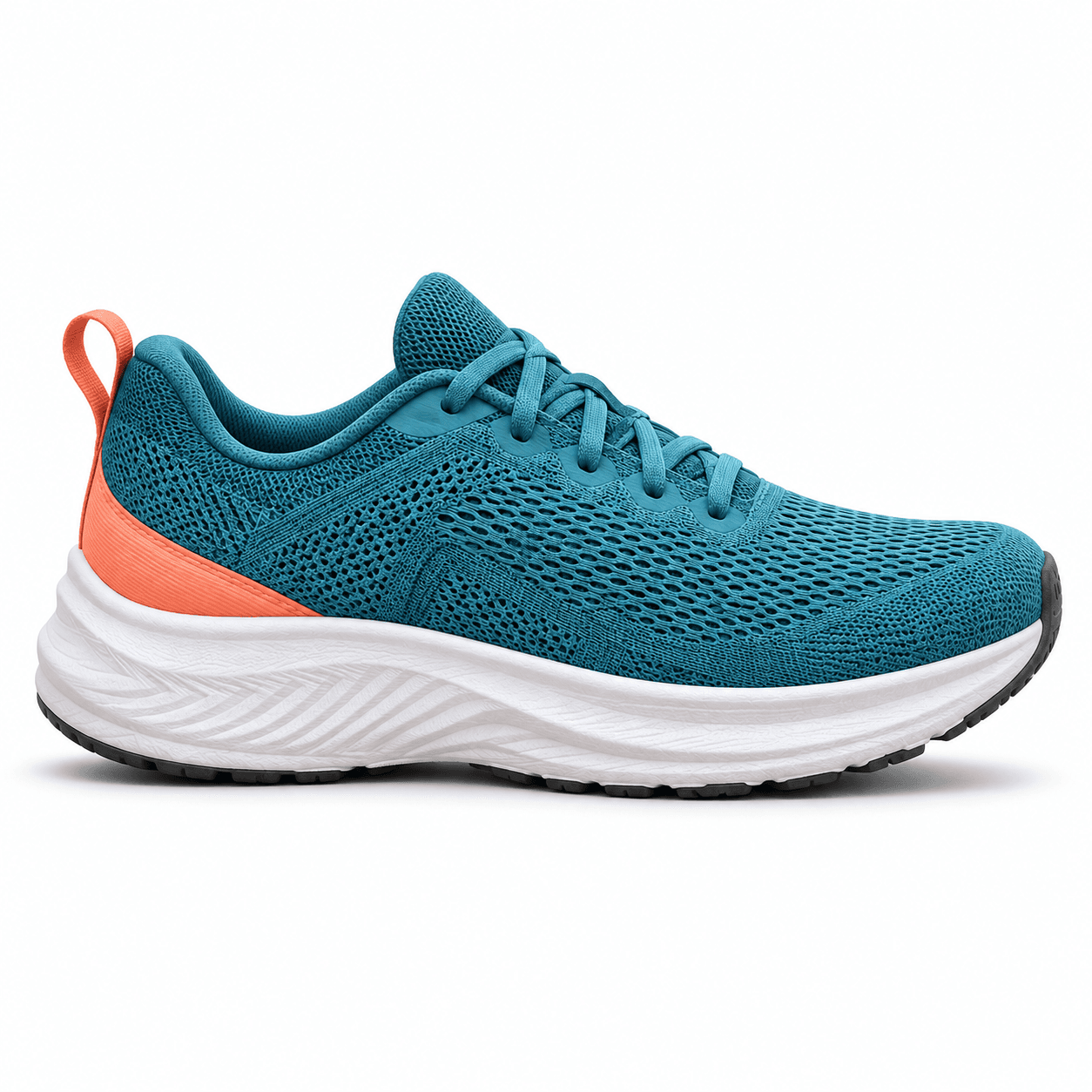
Schieberegler ziehen, um Vorher/Nachher zu vergleichen
Open Angle in Image-to-Layers →Why Brands Choose Our Multi-View Pipeline
Unlike generic diffusion tools that hallucinate branding and distort proportions, our platform uses spatial anchoring and photorealistic specular reconstruction.
Orthographic Multi-View Perspective
Synthesizes true front, 90° profile, and 180° back reference sheets with matching landmark heights for accurate blueprint modeling in 3D viewports.
Proportional Feature Height Consistency
Ensures shoulder seams, button placements, waistbands, and hardware pivots line up precisely across horizontal grid guidelines.
Hard Surface & Organic Anatomy Support
Works with sci-fi gadgets, vehicles, industrial tools, footwear, backpacks, and character props.
Transparent Layer Exports
Export transparent PNGs with alpha channels directly into Blender or Photoshop, eliminating tedious background erasing.
From 1 Flat Shot to Complete Multi-Angle Catalog in 4 Steps
No CAD software, no prompt engineering, and no studio lighting needed.
Upload Single 2D Concept or Photo
Upload a clean 2D drawing, Midjourney/Stable Diffusion concept, or product sketch.
Select Orthographic Angle Matrix
Choose Front (0°), Profile Side (90°), and Back (180°) view angles.
AI Generates Multi-View Reference Sheet
The engine solves for 3D volumetric continuity and renders matching perspective sheets.
Load into Blender, Maya, or ZBrush
Import the synchronized images into your 3D software background image planes and begin modeling.
How VoidWalkers Halved 3D Prop Modeling Time Across 60 Environment Assets
The Challenge
VoidWalkers had 60 2D concept drawings for futuristic inventory items, sci-fi weapons, and medical kits. Their 3D modelers spent 3 to 4 hours per asset manually painting side and back blueprints before opening Blender.
The Solution
The team used AI 3D Modeling Reference Views. Dropping each 2D concept into the tool produced aligned front, side, and rear orthographic reference views in 30 seconds.
“Our 3D artists dropped the reference images into Blender's quad-view and started extruding immediately. It saved our small team dozens of tedious production hours.”
Everything You Need to Know
Clear answers on commercial usage, angle accuracy, Amazon/Shopify compliance, file formats, and Photoshop layer separation.
1. Do the front, side, and back views have matching vertical proportions?
2. Can I use AI-generated art (Midjourney, DALL-E, Stable Diffusion) as input?
3. Are the outputs true orthographic projections?
4. Can I export transparent PNGs with alpha channels?
5. What 3D software supports these reference images?
6. Can I use this for hard-surface mechanical models and vehicles?
7. Can I separate the reference into Photoshop layers?
8. What resolution are the reference sheets?
9. How does the model infer the back of an object it has never seen?
10. How much does a multi-view reference sheet cost?
Explore Dedicated Product Views Workflows
Discover industry-tailored angle pipelines for every product category and platform requirement.
One Jewelry Photo. Every Catalog Angle & On-Model View.
Our specialized jewelry multi-angle pipeline locks precious metal color (yellow gold, white gold, 925 sterling, rose gold) and preserves exact gemstone counts. Generate catalog-ready front, 45° three-quarter, side profile, extreme macro facet details, and on-model worn shots from a single smartphone or lightbox photo.
One Skincare Photo. Every Bottle Angle & Texture Shot.
Product Views AI for Beauty captures the delicate nuances of cosmetics visual merchandising. Generate pristine 0° front hero, 45° angled hero, 90° profile side, dropper macro focus, and editorial lifestyle mood views from a single flat product picture.
One Supplement Photo. Every Angle & Nutrition Label View.
Product Views AI for Supplements specializes in cylindrical bottles, bulk protein tubs, and blister packs. Synthesize pristine 45° three-quarter hero shots, profile sides, and rear label panels while locking barcode integrity, certified seals, and nutritional typography.
One Product Photo. Every Angle Your Store Needs.
Product Views AI gives ecommerce brands, Amazon FBA sellers, and Shopify founders a full visual infrastructure. Upload one smartphone photo or supplier white-box shot to generate consistent front, 45° hero, profile side, back, and macro detail views that drive immediate sales.
Batch Product Views. Fifty SKUs in Five Minutes.
Batch Product Views allows you to process 50+ product photos in a single workflow. Automatically group by SKU, apply synchronized 45° hero, profile, and back angles, normalize aspect ratios with pure white padding, and download organized ZIP archives.
One Flat Product Photo. Realistic On-Model Worn Views.
AI On-Model Product Views synthesizes natural human worn context from a single product packshot. Showcase necklaces draped over collarbones, rings on manicured fingers, sunglasses on diverse facial structures, and apparel with authentic fabric drape.
One Static Photo. Complete 360° Spin Sequence.
Our 360 Product View AI synthesizes a full rotational camera sequence around your product from one input photo. Generate smooth 8 to 24-frame angle sequences (0°, 45°, 90°, 135°, 180°, 225°, 270°, 315°) ready to plug directly into interactive Shopify 360 spin widgets.
One Product Photo. Complete 7-Image Amazon Listing Pack.
Our Amazon Product Angle Generator is engineered strictly around Amazon's Product Image Requirements. From one smartphone snapshot, create an Amazon-compliant Main Hero image (85%+ fill, pure white 255,255,255), 45° dimensional hero, profile side, rear packaging view, and macro detail shots.
One Product Photo. Complete Shopify Multi-Angle Gallery.
Shopify Multi-View Product Photos elevates your online storefront. Generate cohesive 2048x2048px square 1:1 listing galleries: 45° three-quarter hero, side profile, rear details, and macro texture shots that look like they were shot in a high-end commercial photo studio.
Professional Product Photos. Zero Photoshoot Required.
Product Views AI replaces the physical photography studio with an intelligent virtual camera. Starting with a single smartphone snapshot, generate multi-angle catalog packs, realistic studio lighting, and marketplace-compliant pure white backgrounds in seconds.
One Product Photo. 10-Second High-CTR Commercial Video Ads.
Our AI Commercial Product Video engine transforms single static product photos into 10-second commercial video ads. Render smooth 360-degree camera orbits, specular light sweeps, and floating particle dynamics optimized for vertical 9:16 mobile shopping feeds.
Turn Any Single 2D Image into Multi-Angle 3D Product Views
Our proprietary neural diffusion pipeline extrapolates authentic 3D geometry and surface textures from a single 2D image. Generate front, 45° three-quarter perspective, side profile, top-down flat lay, and rear catalog views in seconds. Every generated view is exported with separated shadow and background layers, fully editable in Photoshop.
Consistent Multi-Angle Generation Without Product Drift
Our Consistent Image Generation architecture uses dual-stream visual conditioning and geometry anchoring to freeze your product's DNA. When rotating from front to 45° or side views, labels stay legible, seams remain aligned, and brand colors maintain exact hex code fidelity. Export transparent PNGs or layered PSDs without worrying about mismatched catalog images.
Generate Multi-Angle Character Reference Sheets from 1 Artwork
Our Character Reference Angles studio turns a single concept illustration, anime artwork, or 3D character render into a synchronized multi-view turnaround sheet. Generate orthographic front, dynamic three-quarter, profile silhouette, and rear costume views while keeping facial features, hairstyles, garment folds, and color palettes perfectly aligned. Seamlessly deconstruct characters into editable Photoshop layers for 2D rigging and VTuber animation.
Multi-View Orthographic Angles for 3D Game Artists
Our Game Art Multi-View pipeline transforms 2D prop sketches, sci-fi weapons, vehicles, and environmental assets into aligned orthographic turnaround angles. Generate clean front, side, top, and rear perspectives with zero perspective distortion, ready to drop directly into Blender, Maya, or ZBrush viewport image planes. Easily export layered PSDs to inspect internal mechanics and hidden surfaces.
Multi-Angle Product Assets for High-Converting Short Video Ads
Our Short Video Angles studio generates high-impact camera perspectives, dynamic 45° dutch angles, dramatic low-angle hero shots, and seamless multi-view sequences from a single product photo. Combine with Image-to-Layers to export transparent cutouts and separated shadow layers that drop instantly into CapCut, Premiere Pro, or After Effects for kinetic text pop-ups and orbital camera zooms.
Transform 1 Product Photo into Multi-Angle Ad Magic Creatives
Product Ad Magic turns a simple smartphone packshot into striking commercial advertising visuals. Generate dynamic product angles integrated with studio pedestals, natural sunlight, podium reflections, or vibrant promotional backdrops. Best of all, every ad creative exports as a fully layered PSD file with separately isolated product, lighting glow, text safe zones, and background elements.
Ready to Generate Studio-Grade Multi-Angle Views?
Stop paying thousands for studio lighting and photographer day rates. Upload 1 flat photo, generate all catalog angles in seconds, and export PSD layers directly.
Pay as you go • 100% commercial license • No monthly lock-in